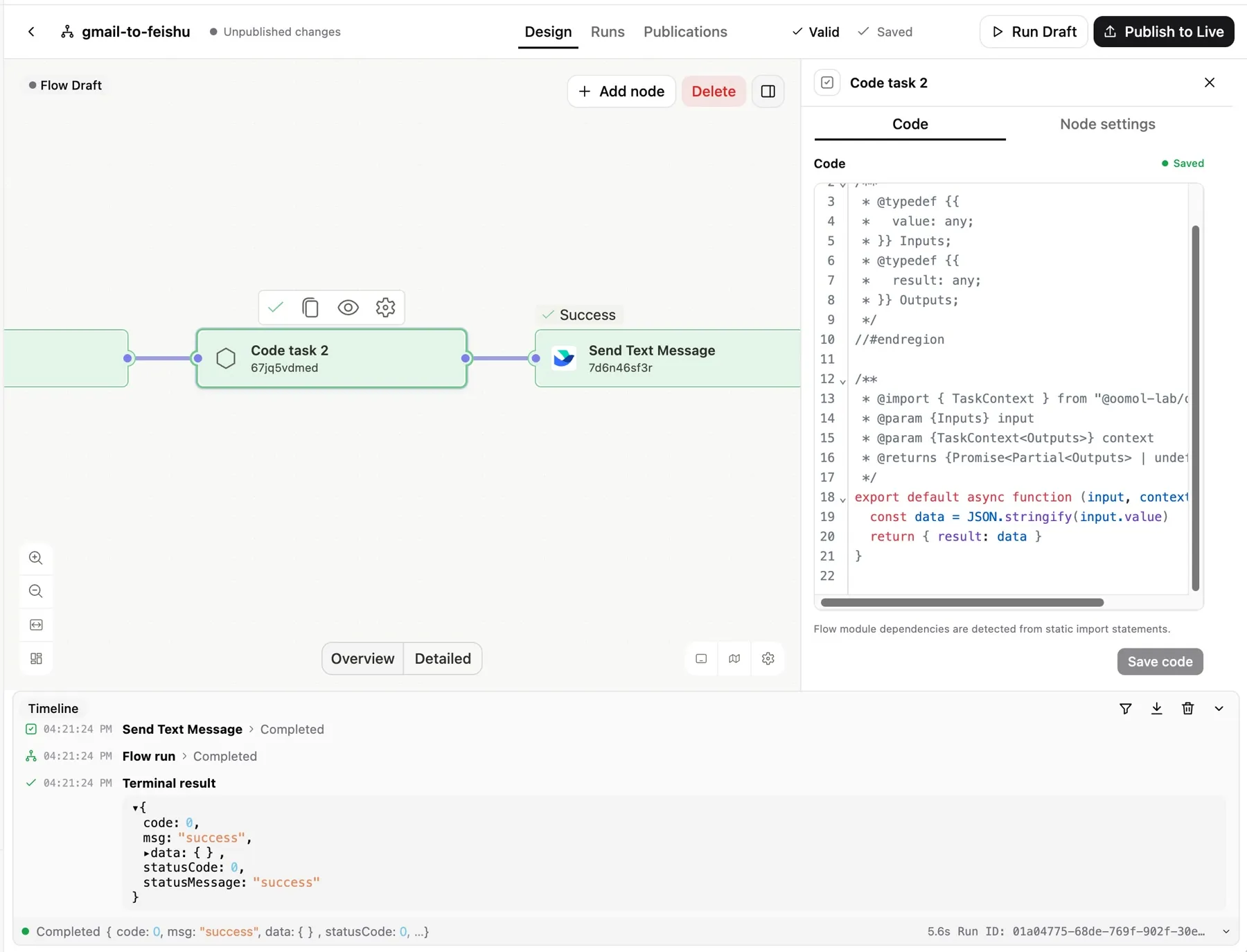
Visual where it helps. Code where it counts.
Write custom JavaScript in Code Tasks with declared inputs, outputs, and capabilities. The server runs each code task in a fresh V8 isolate.
Build with an AI agent. Refine on a visual canvas. Run on infrastructure you choose. One workflow, from first draft to live automation.
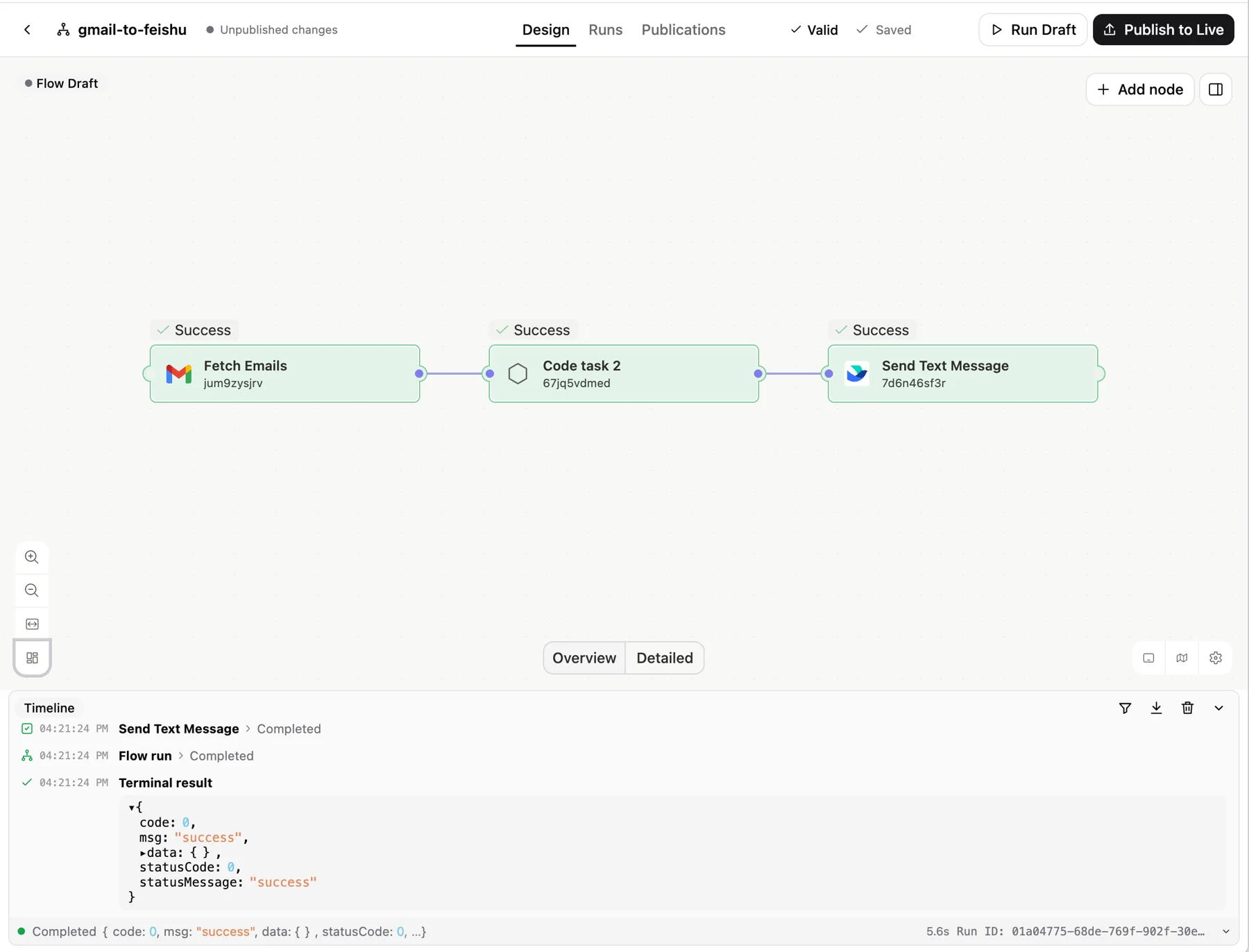
Your terminal agent can discover actions, create typed nodes, check a draft, run it, and publish it. Every change appears in the same visual Workbench.
Install oo CLIWorks through oo flow with Codex, Claude Code, and other terminal agents. Publishing happens when you ask.
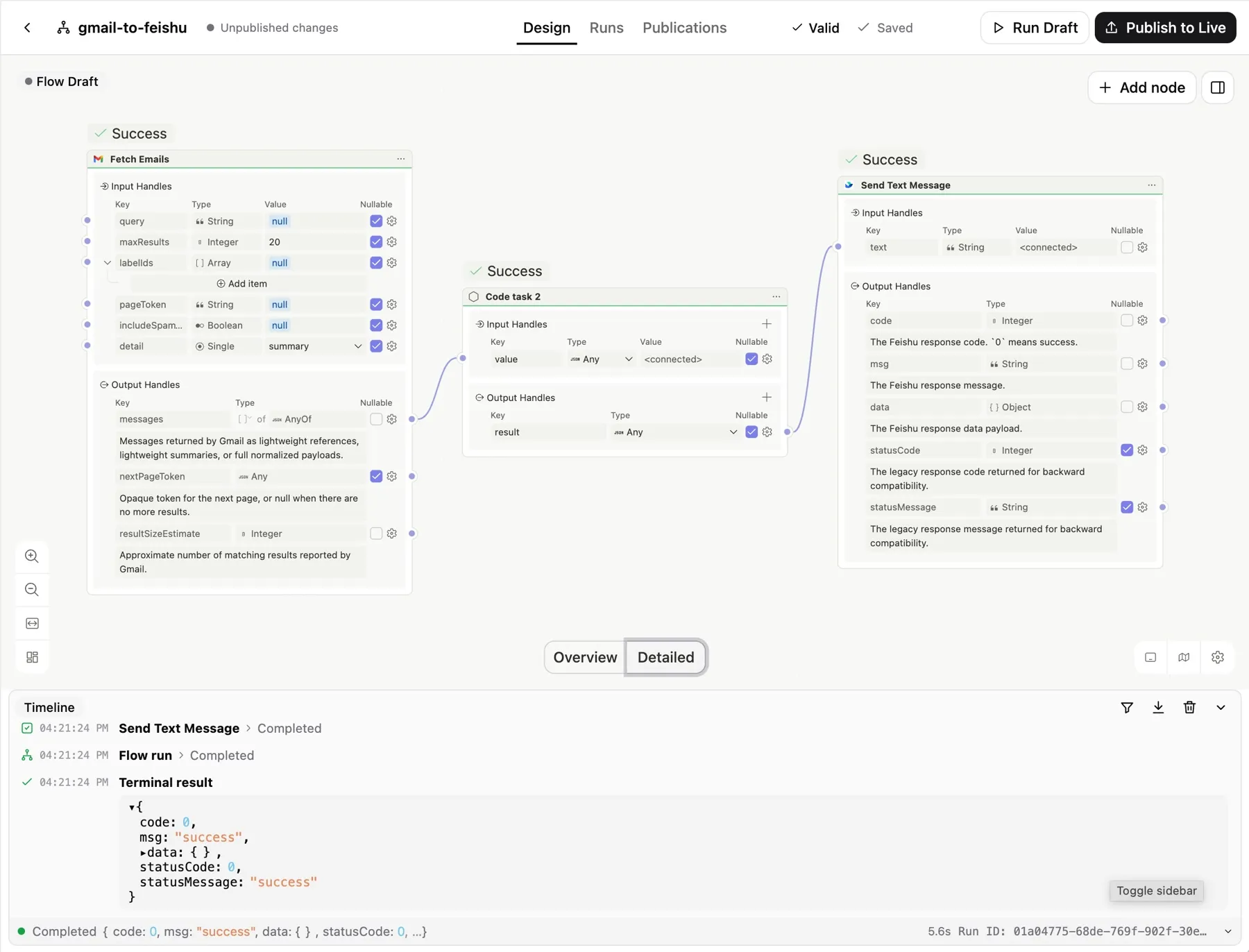
Named, typed inputs and outputs make every data dependency explicit. Nodes run when their inputs are ready; independent branches can run concurrently.
Write custom JavaScript in Code Tasks with declared inputs, outputs, and capabilities. The server runs each code task in a fresh V8 isolate.
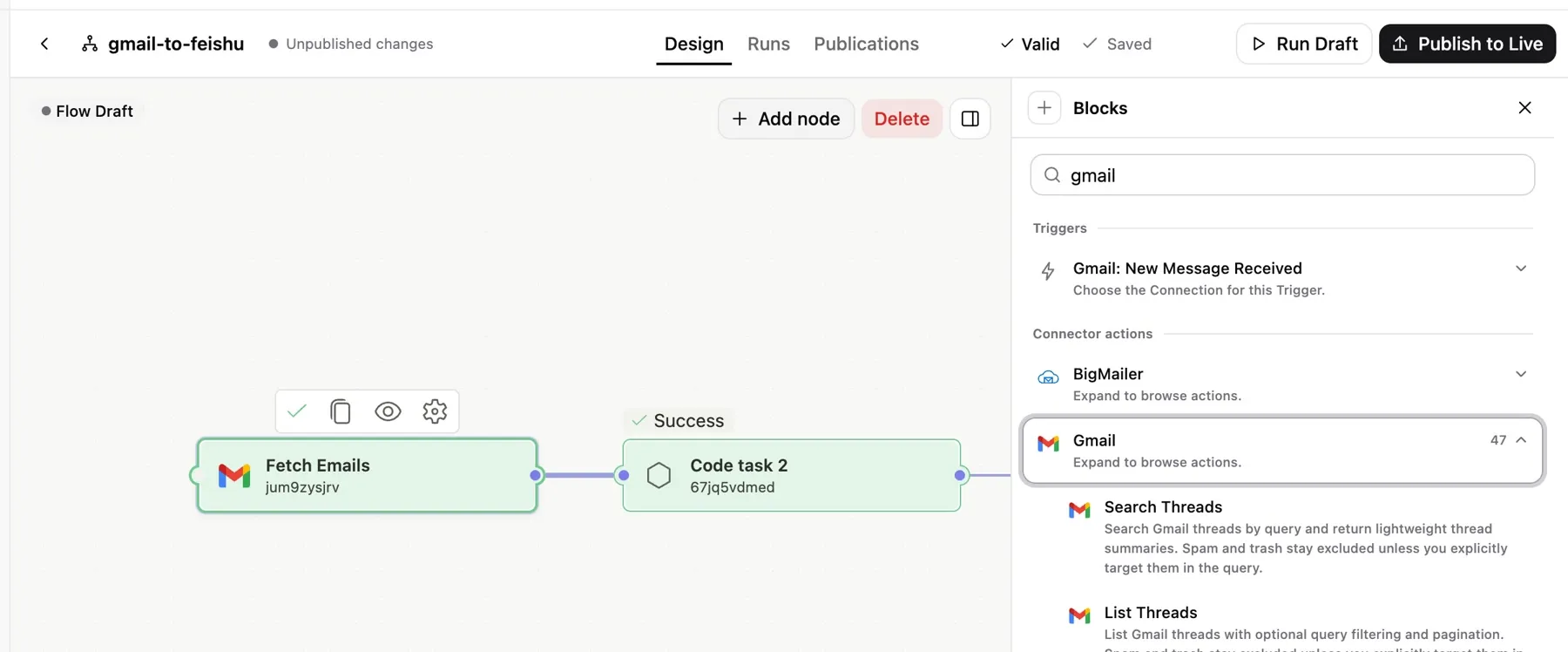
OpenConnector handles provider credentials and actions. Open Flow stores opaque connection identities, keeping your workflow and account authorization separate.
OpenConnectorStart manually, on a Cron schedule, through a Webhook, by polling, or from Provider events. Inspect node outputs and the event history of every run.
The same Workbench and versioned Control API, whether you use OOMOL or run your own deployment.
Start without operating a server. OOMOL manages the deployment and OAuth apps for supported integrations.
Use OOMOL HostedRun the included server on your infrastructure. You own storage, backups, upgrades, and connector setup.
Quick startDeploy the same image with TLS and a persistent volume. You manage secrets, backups, upgrades, and connector setup.
Fly.ioOpen Flow is in beta. Contracts are versioned; the first stable release is still ahead.
Start with the hosted service or run Open Flow on your own infrastructure.